 Safe Knowledge Base
Compromised Passwords
Compromised passwords are passwords previously exposed in data breaches — incidents where a service was hacked and its user credentials leaked online. Even if you haven't noticed anything wrong, your password may already be in circulation and used to try to access your accounts — especially if you reuse the same password elsewhere.
How to check
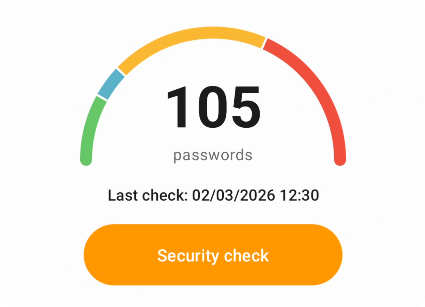
Security check results
Select Security on bottom menu. Then go to Security check. Safe will scan your databases and show how many unique compromised passwords were found.
If compromised passwords are found, tap Show to see the list of affected cards. Note that the count shows unique passwords — if the same password is used on multiple cards, all of them will appear in the list.
How it works
Safe uses haveibeenpwned.com — a trusted database of over half a billion leaked passwords. Your passwords are never sent anywhere. Safe uses a k-anonymity approach: only a short prefix of a password hash is transmitted, and the match is done locally on your device. The service never sees your actual passwords or full hashes.
What to do next
For each compromised password, open the card and update it on that website or service. If you reuse the same password elsewhere, change it there too.