 Safe Knowledge Base
Restore Your License
If you've reinstalled Safe or switched to a new device, restoring your Premium license is straightforward. In most cases, it happens automatically — you just need to be signed in with the right account.
Same store account
If you're signed into the same Google or Apple account you used when you purchased, your license should restore automatically. Just install Safe, open the app, and Premium should appear as active.
Different device or different store account
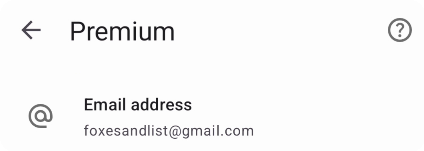
Enter email here
If you're on a new device with a different store account (or moving between Android and iOS), you can restore your license by email:
- Tap the Safe button in the top-right corner of the app
- Go to Premium
- Choose Email
- Enter the same email address that was linked to your original purchase
Your Premium will activate on the new device. Safe has a cross-platform license — one purchase works everywhere.
License not activating?
If the steps above don't work, check our troubleshooting guide to identify your specific case:
Can't Restore My License — covers Safe, SafeInCloud 1, and Family licenses.
Contact Support
If you're still stuck, forward your purchase receipt email (from Google Play or App Store) to support@safe-in-cloud.com with your device info. We'll sort it out.