 Safe Knowledge Base
Auto Backup
Auto Backup saves snapshots of your database to local storage on a schedule you set. Unlike cloud sync — which mirrors your current state — backups let you roll back to an earlier point.
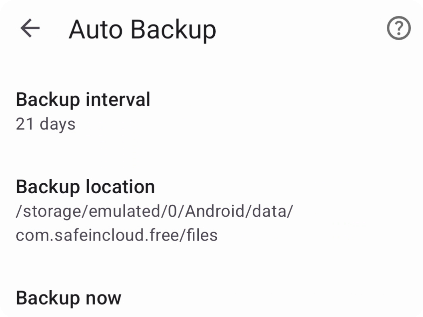
Configure local backup here
Go to Settings → Auto Backup and select a backup interval. Backups are created for all your databases, including extra ones.
The Backup location field shows where backups are stored. The location cannot be changed. To access a backup file, tap Backup location, choose a file, and pick an app to open or share it.
To back up immediately, tap Backup now. This also resets the schedule for the next automatic backup.
The date of the last backup and the next scheduled one are shown at the bottom of the screen.
Note: If you uninstall Safe, all auto backups are deleted.
Go to Options → Auto Backup. Choose a backup interval.
The Backup location field shows where backup files are saved. You can change this location to any folder you prefer.
To back up immediately, click Backup now. This also resets the schedule for the next automatic backup.
The date of the last backup and when the next one is scheduled are shown at the bottom of the page.
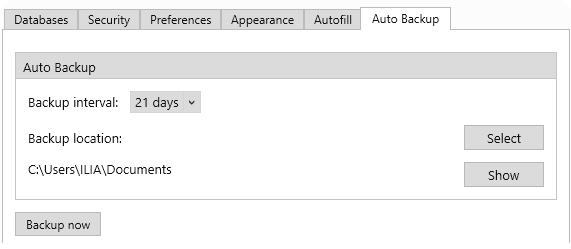
Configure local backup here